 If you have a Mac with a trackpad, are you aware of all of the different gestures you can use to make life easier? You can use Smart Zoom to zoom in and out on an element on a web page. You can rotate images. You can also bring in the Notifications Center sidebar and activate Mission Control. Try learning a new trackpad gesture to get the most from your Mac. Watch MacMost video tutorial here…
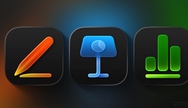
Pages, Keynote, Numbers get iOS 26/MacOS 26 updates
Today alongside the launch ch of Apple Creator Studio, Apple has released version 15.1 updates for Pages, Numbers, and...