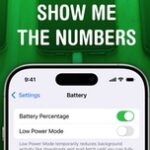
 Being able to see your iPhone battery percentage right in the status bar is incredibly useful. You can keep an eye on it throughout the day if you’re getting low and need to top up.The battery icon gives you a rough idea of where your phone is at, but instantly seeing the exact number can give you peace of mind. It’s useful seeing the precise number without pulling down Control Center or checking a battery widget, wherever you are. Read More
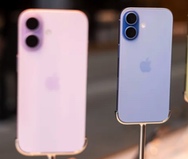
Claim Up To $95 From Apple If You Own An iPhone 15 Pro Or iPhone 16 Pro
If you purchased an iPhone 15 Pro or iPhone 16 between June 2024 and March 2025, then there could be a chance that...